Feature videos · USPTO Research
Feature highlight: USPTO Research, tab by tab
Each tab of the USPTO Research page, worked on one real Section 2(d) refusal: the examiner's past cases, the other applications refused over the same registration, the crowded field, Thor Tech pairs and the disclaimer numbers.
Who got past the same refusal
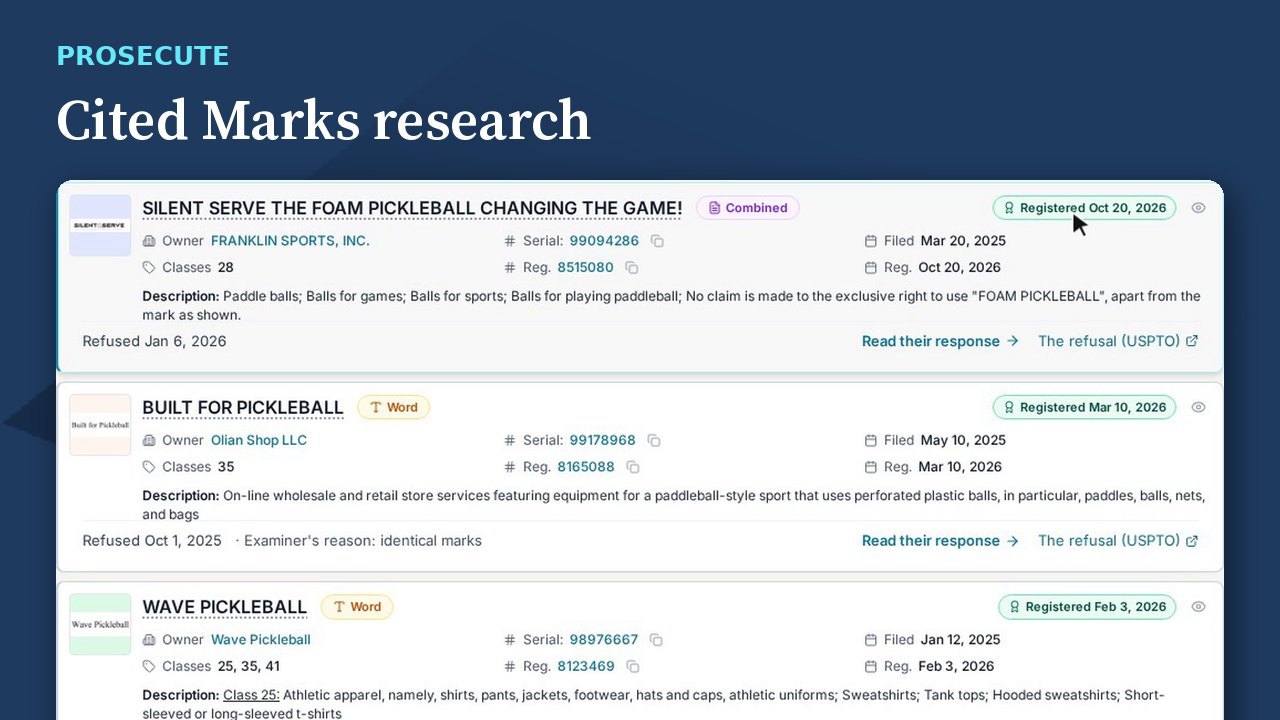
Search OAs opens on the examiner's cases with the same issues, and Cited Marks lists the applications refused over the same registration. You can read the responses they filed.
Evidence the word is weak
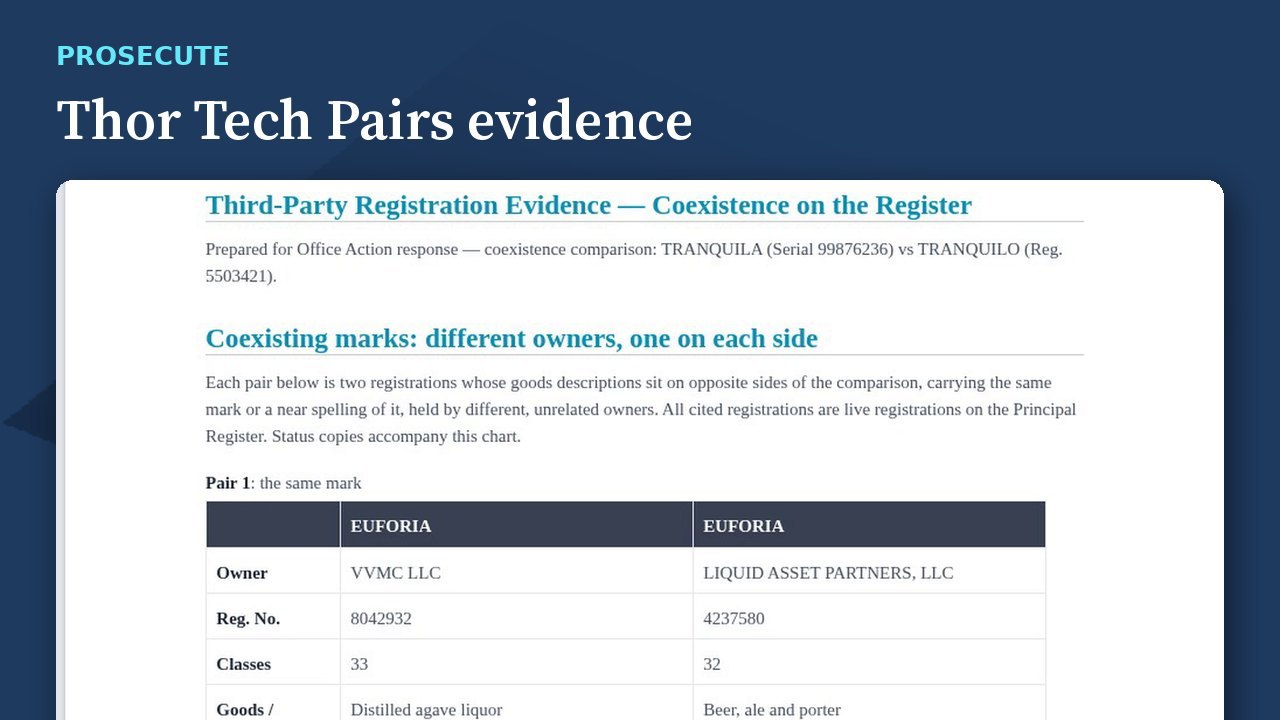
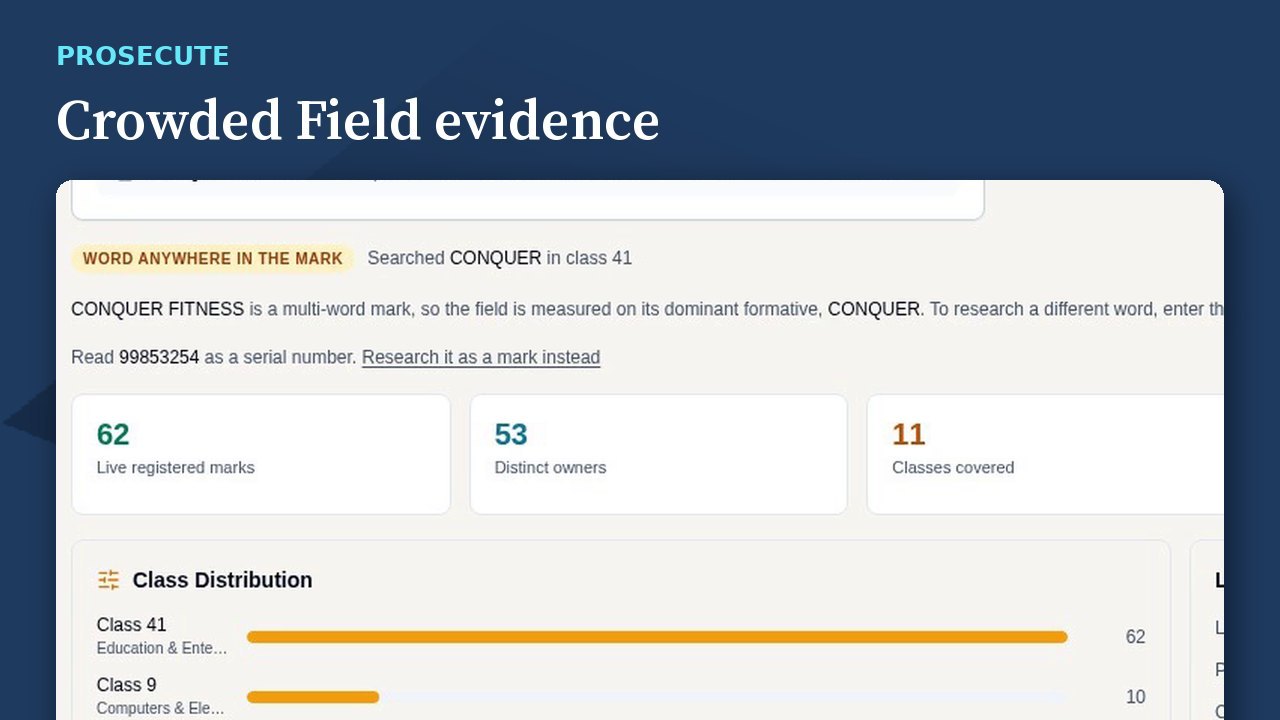
Crowded Field counts the live registrations that use the shared word. Thor Tech Pairs finds the same mark registered to unrelated owners on both sides of the goods line, and builds an exhibit bundle.
Accept or argue the disclaimer
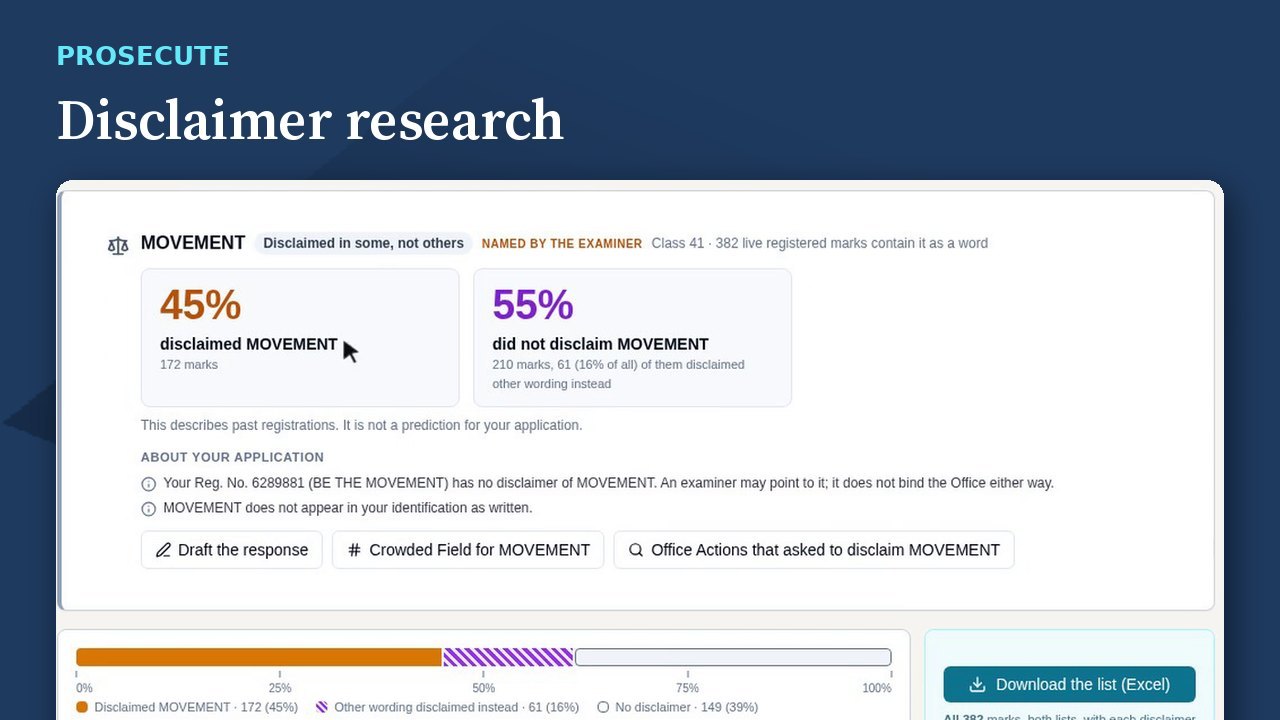
The Disclaimers tab reads the examiner's requirement and counts how often live registrations in that class disclaim the word.
Transcript
Hi! This is Howard Katzenberg, GleanMark's founder. Today, I want to walk you through GleanMark's USPTO Research page, one tab at a time, using a real office action refusal.
Here's the case: the mark is CONQUER FITNESS, for personal training services. The examiner refused it under Section 2(d) and cited one registration: CONQUER, owned by Les Mills International, for publishing fitness programs and training materials. The examiner also said FITNESS is descriptive and must be disclaimed. So where do you start? A great place is to find similar cases from the same examiner that ultimately registered. The research starts right here: clicking on the examiner's name opens GleanMark's USPTO Research page.
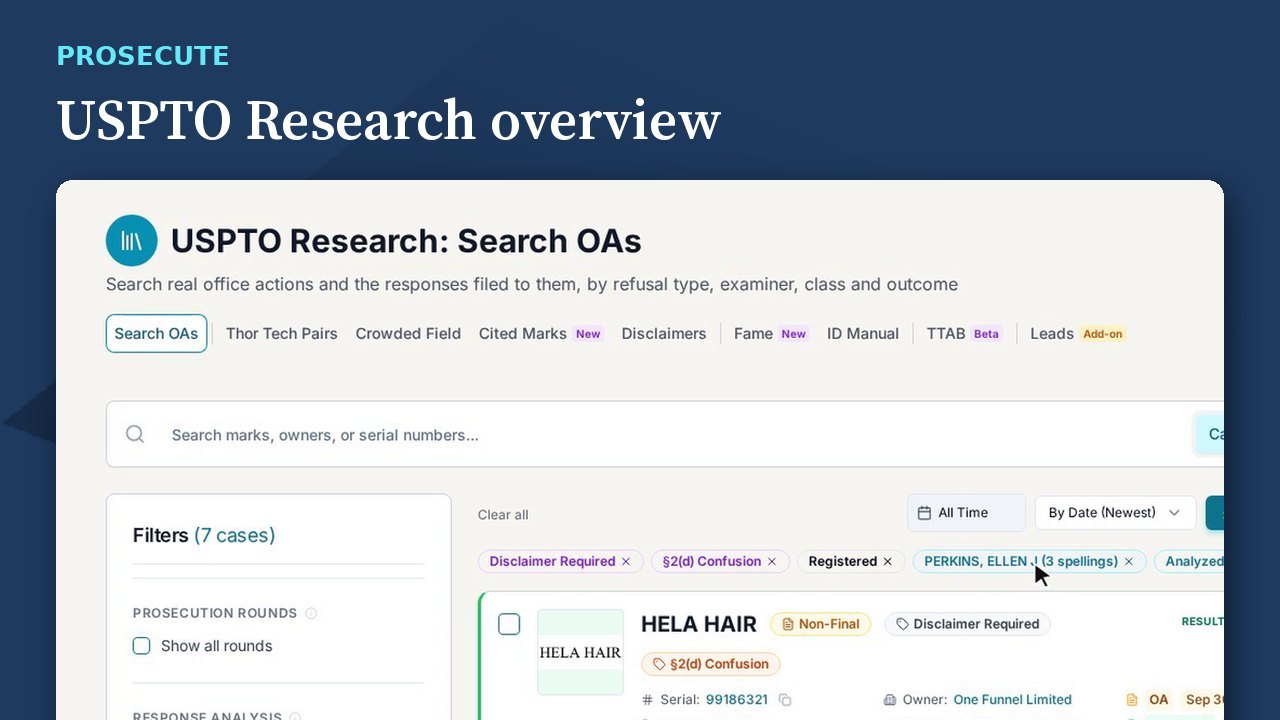
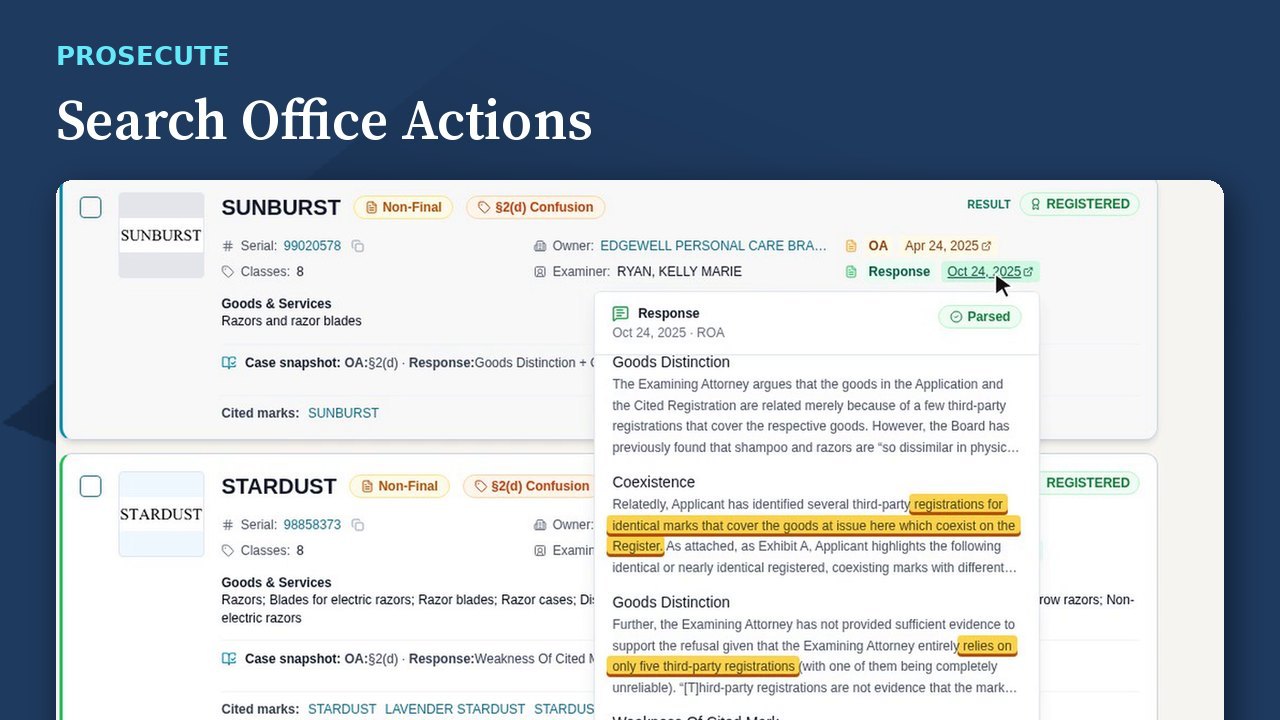
The first tab, Search OAs, opens on Ellen Perkins's own cases: the seven with the same two issues as ours, where the mark registered anyway and GleanMark has read the applicant's response. Each one shows how the applicant answered, and you can open the response they filed.
Next, Cited Marks. I type in the registration the examiner cited, and GleanMark shows the applications the USPTO refused over it: four, including ours, and the other three registered anyway. With this information, you can read how they got past it: GleanMark has the filed response for two of the three. All three come from one publisher of exam-prep guides, whose books have nothing to do with fitness, so their path won't work for a personal trainer.
Crowded Field counts the live registrations that already use the same word. I type CONQUER, anywhere in the mark, in class 41: there are 62 live registrations, from 53 different owners. That's evidence that CONQUER alone is a weak mark.
Thor Tech Pairs goes a step further. I type in our serial number, and it finds the mark and the registration the examiner cited. Then it searches the register for marks registered twice, to unrelated owners: once for services like ours, and once for goods like the cited mark's.
It found more than 100 pairs. LIVE HAPPY is registered to an athletic club for exercise instruction, and to a different company for well-being magazines. HYPHEN is registered to one owner for personal training, and to another for online magazines. The Office already lets the same mark sit on both sides of this line. Tag the strongest, and GleanMark builds an exhibit bundle, with a USPTO status copy for each.
For the disclaimer, the Disclaimers tab takes the same serial number. It reads the examiner's requirement, FITNESS in class 41, and counts how the USPTO has treated that word.
92% of the live registrations that contain it disclaim it. So this is usually a requirement to accept, not argue.
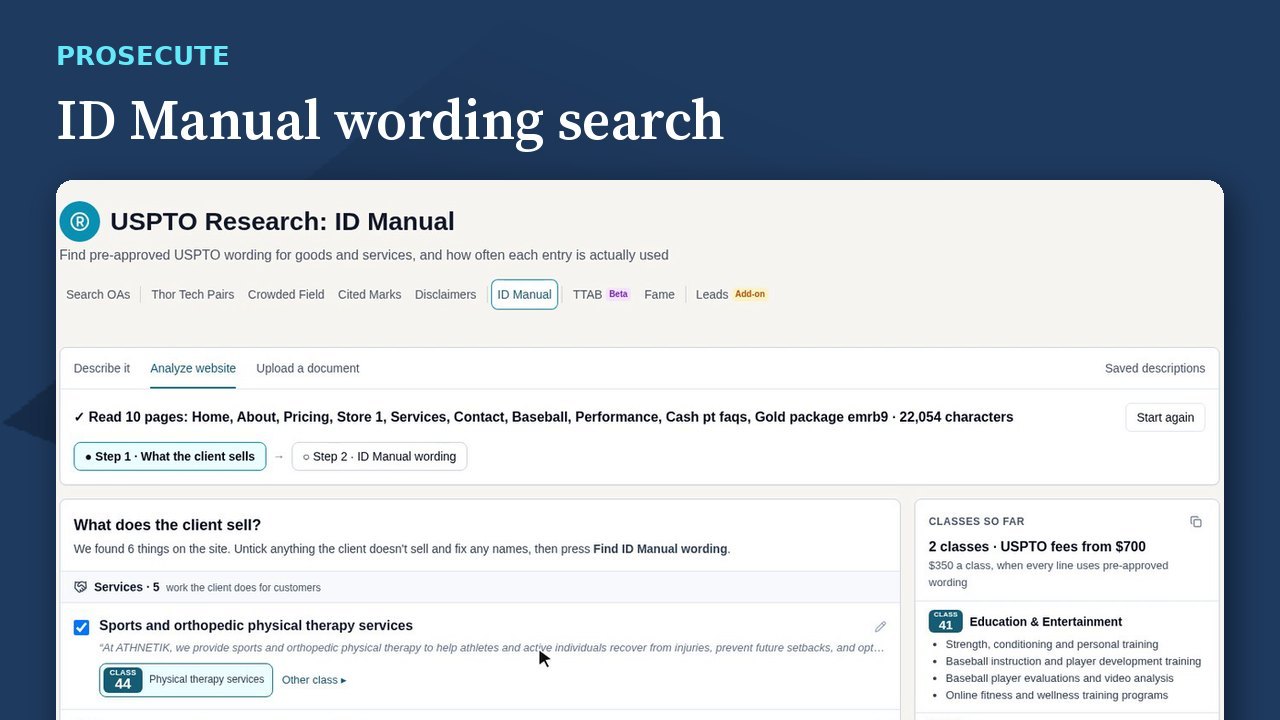
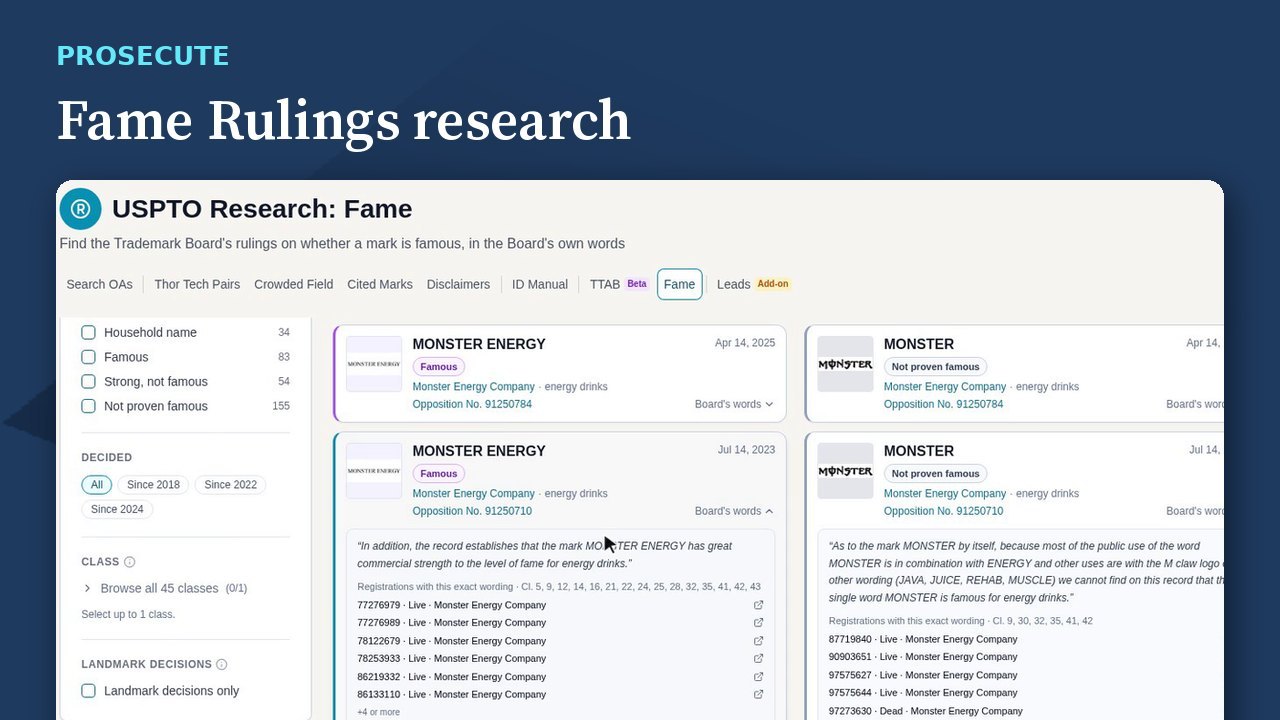
The research page has more tabs for other needs, and each has its own short video: Fame, for the Board's rulings on whether a mark is famous; the ID Manual, for pre-approved goods wording when you file a new application; and TTAB, for Board cases by how they ended.
To research your own office actions, start a free trial or book a short walkthrough at gleanmark.com.
See it on your own office actions
Start a free trial and research your next refusal, or book a short walkthrough.
More feature videos
See all videos 3:36
Feature highlight
Filing with Client Intake
 2:14
Feature highlight
Office Action Page
 2:35
Feature highlight
USPTO Research overview
 2:09
Feature highlight
Search Office Actions
 1:48
Feature highlight
Thor Tech Pairs evidence
 1:51
Feature highlight
Crowded Field evidence
 1:54
Feature highlight
Disclaimer research
 1:33
Feature highlight
Cited Marks research
 2:00
Feature highlight
ID Manual wording search
 1:42
Feature highlight
Fame Rulings research
 2:12
Feature highlight
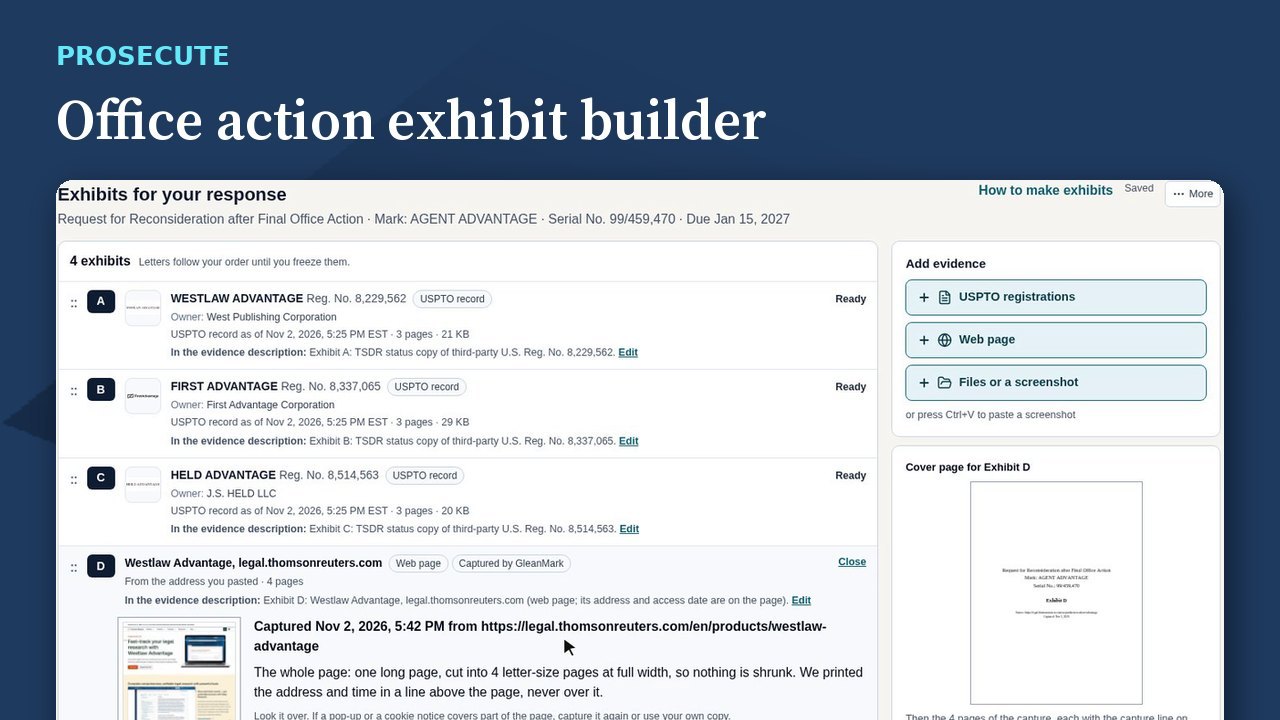
Office action exhibit builder
 6:24
Platform demo
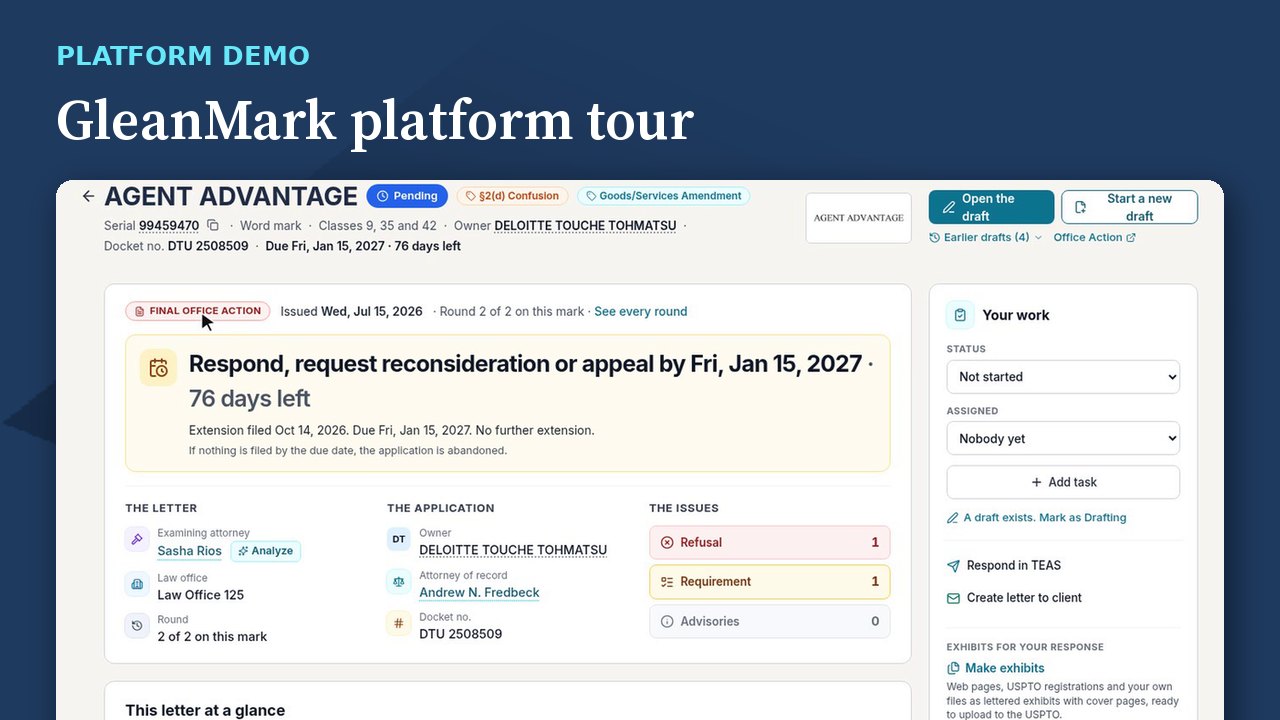
GleanMark platform tour
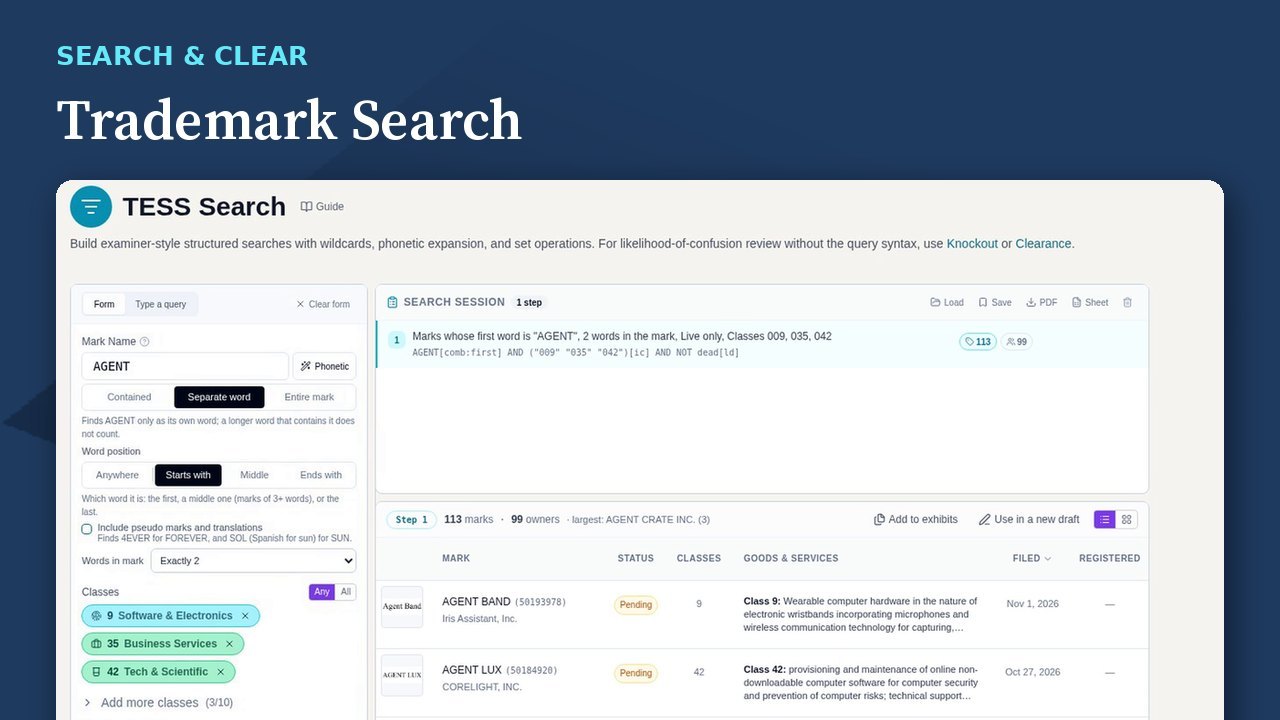 2:01
Feature highlight
Trademark Search overview
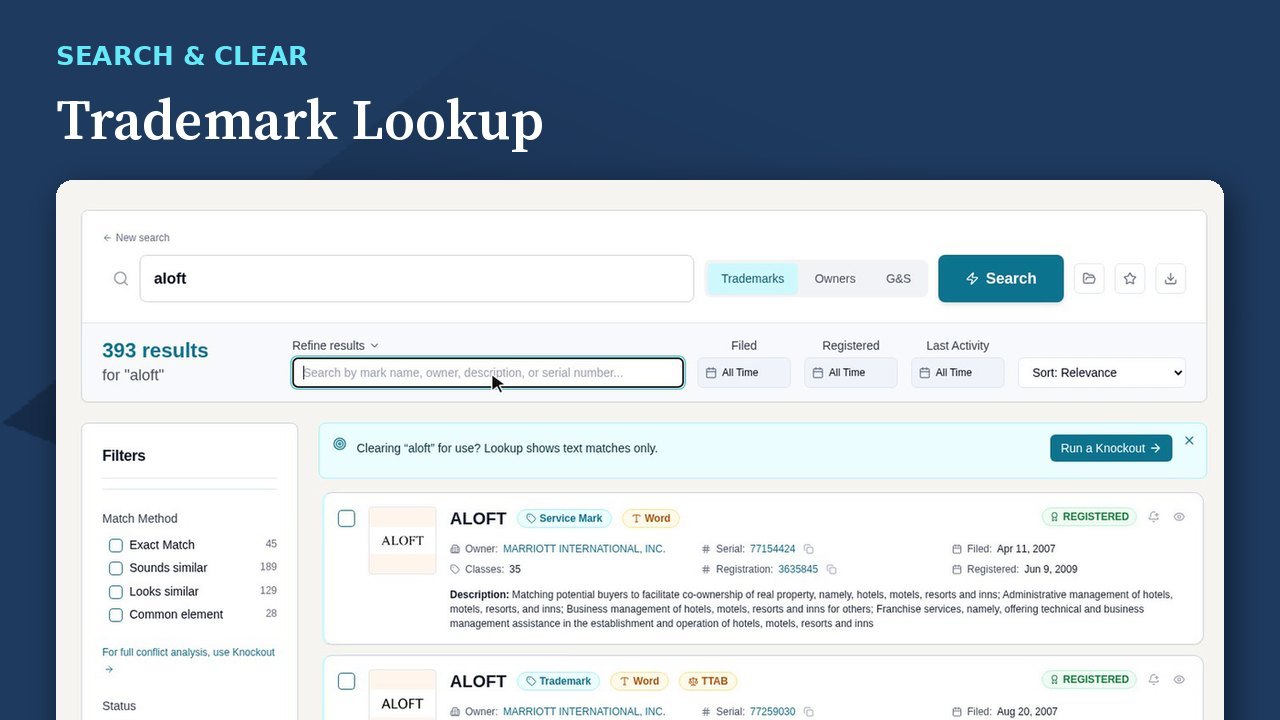 1:49
Feature highlight
Trademark Lookup
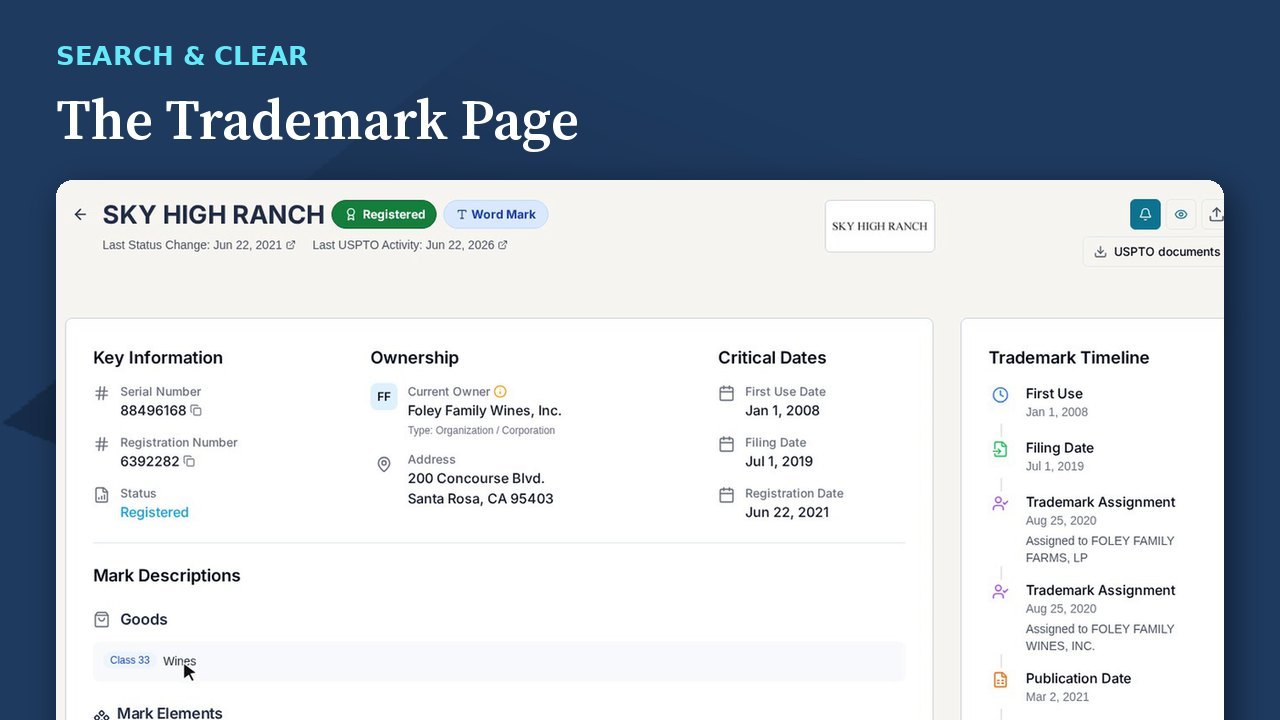 2:14
Feature highlight
The Trademark Page
 1:49
Feature highlight
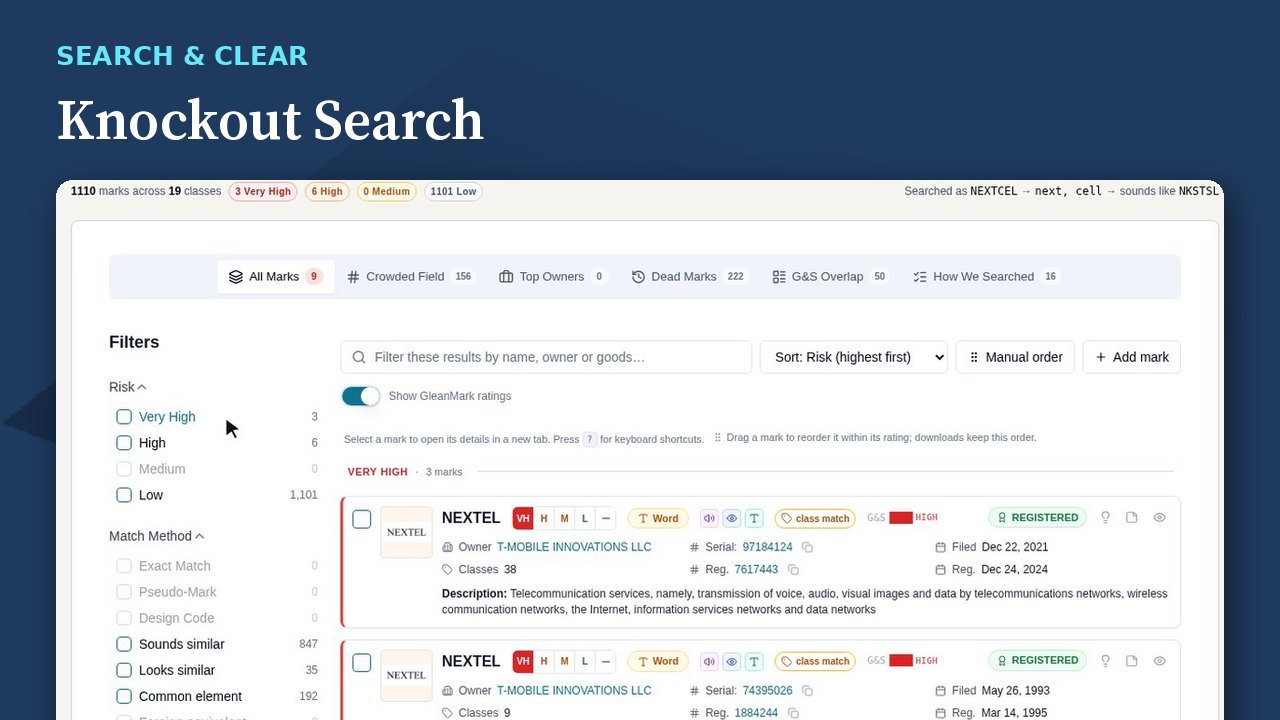
Knockout Search
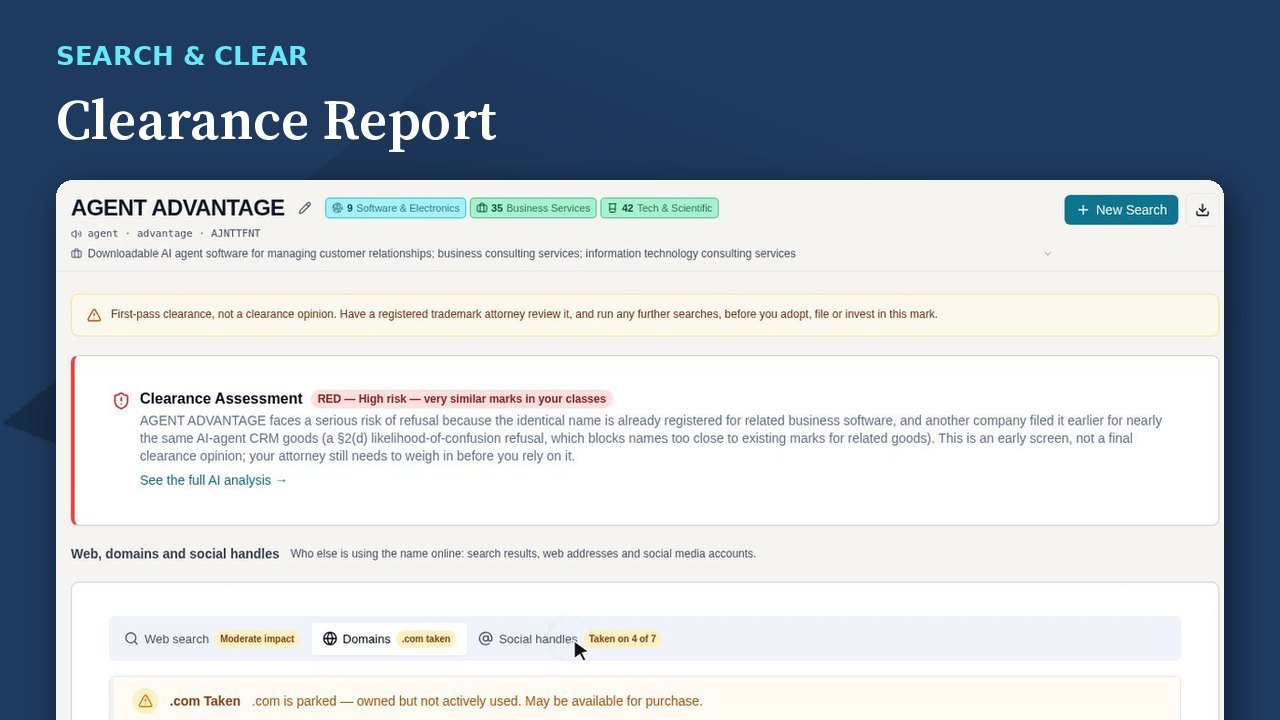 2:30
Feature highlight
Clearance Report
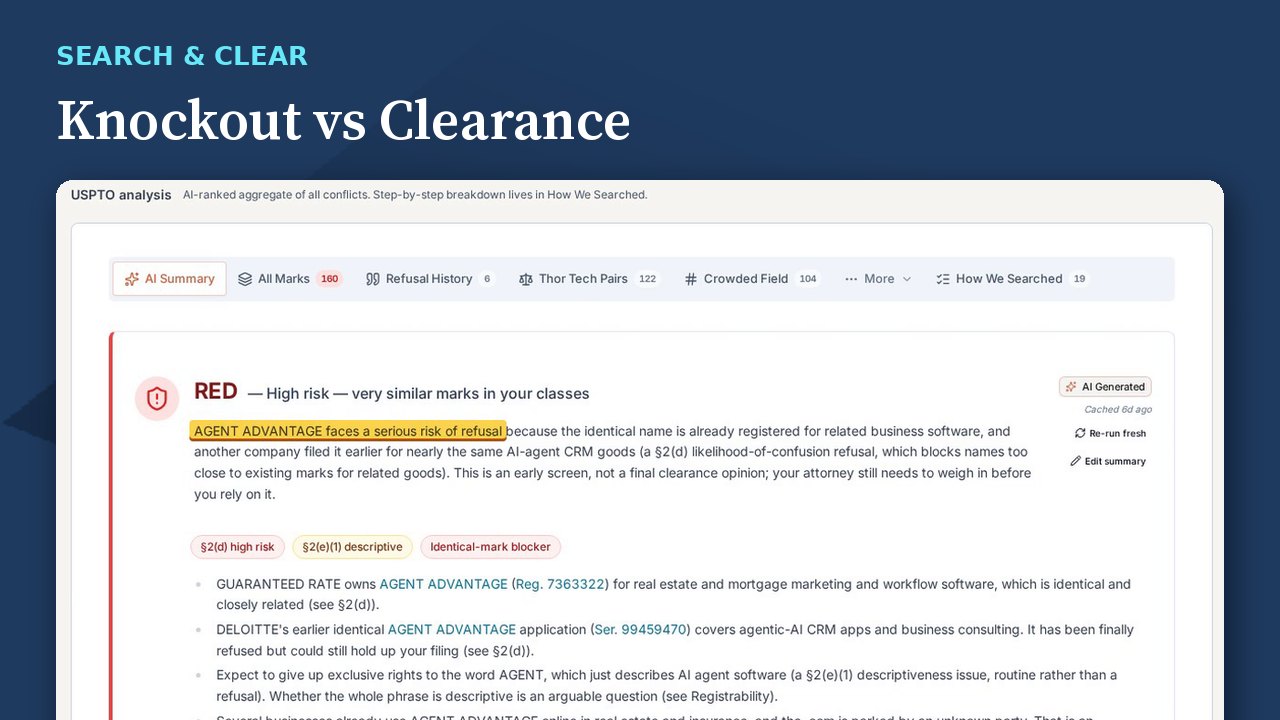 2:06
Feature highlight
Knockout vs Clearance
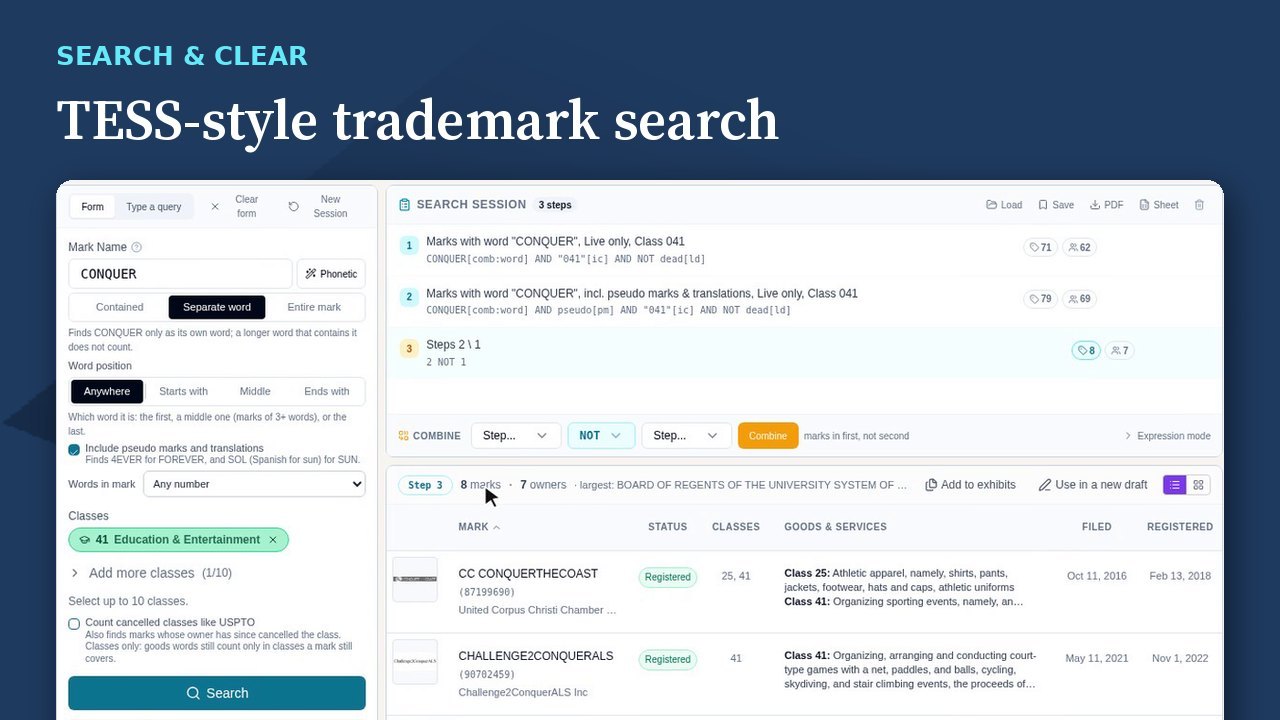 1:58
Feature highlight
TESS-style trademark search
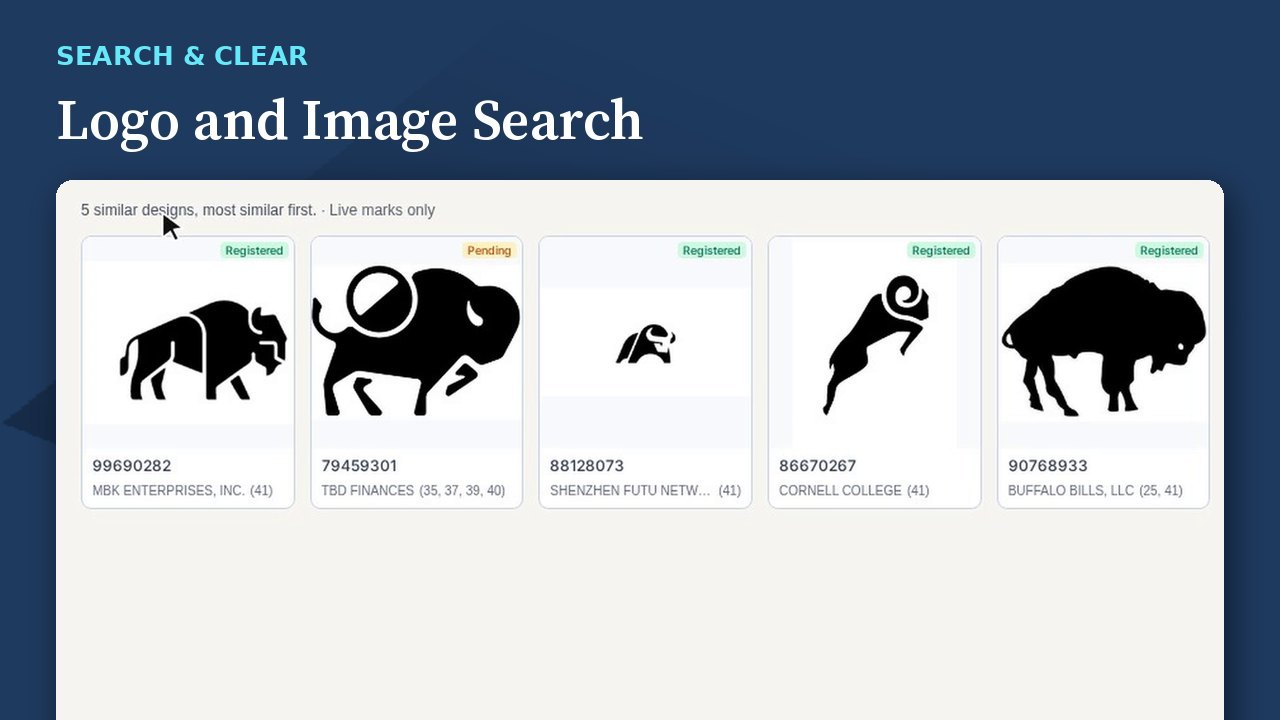 1:42
Feature highlight
Logo and Image Search
 1:45
Feature highlight
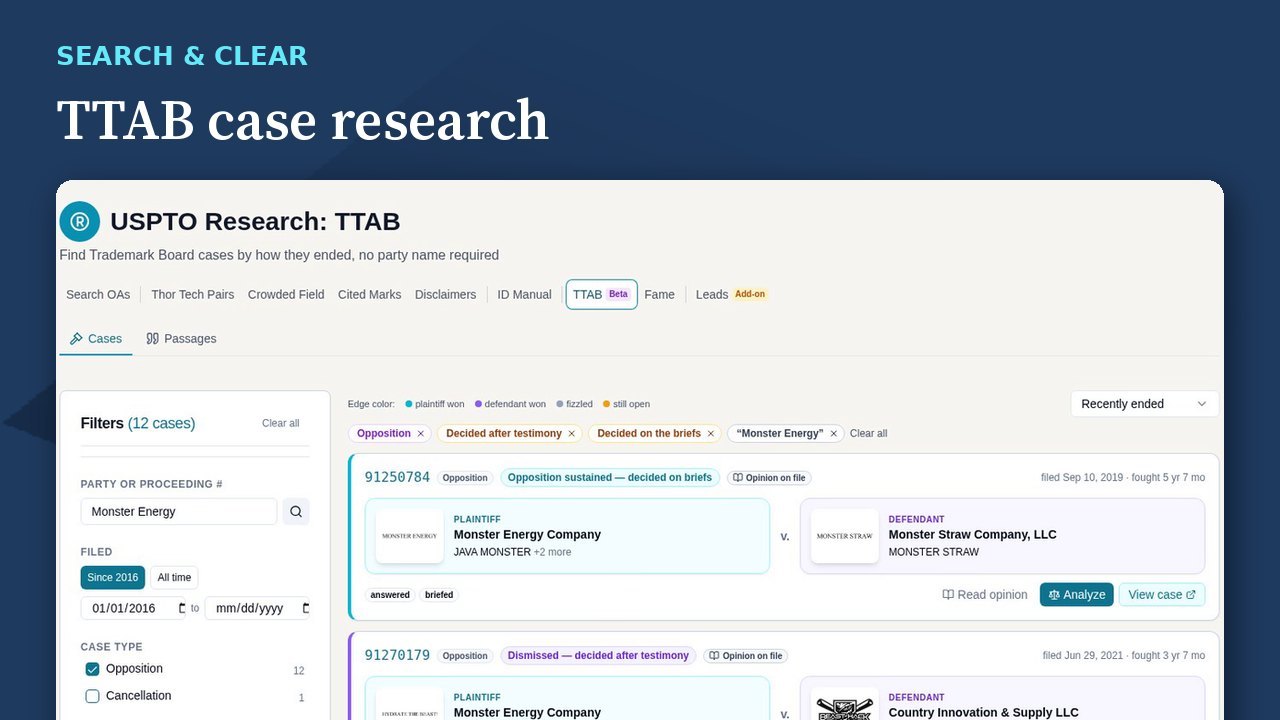
TTAB case research
 2:33
Feature highlight
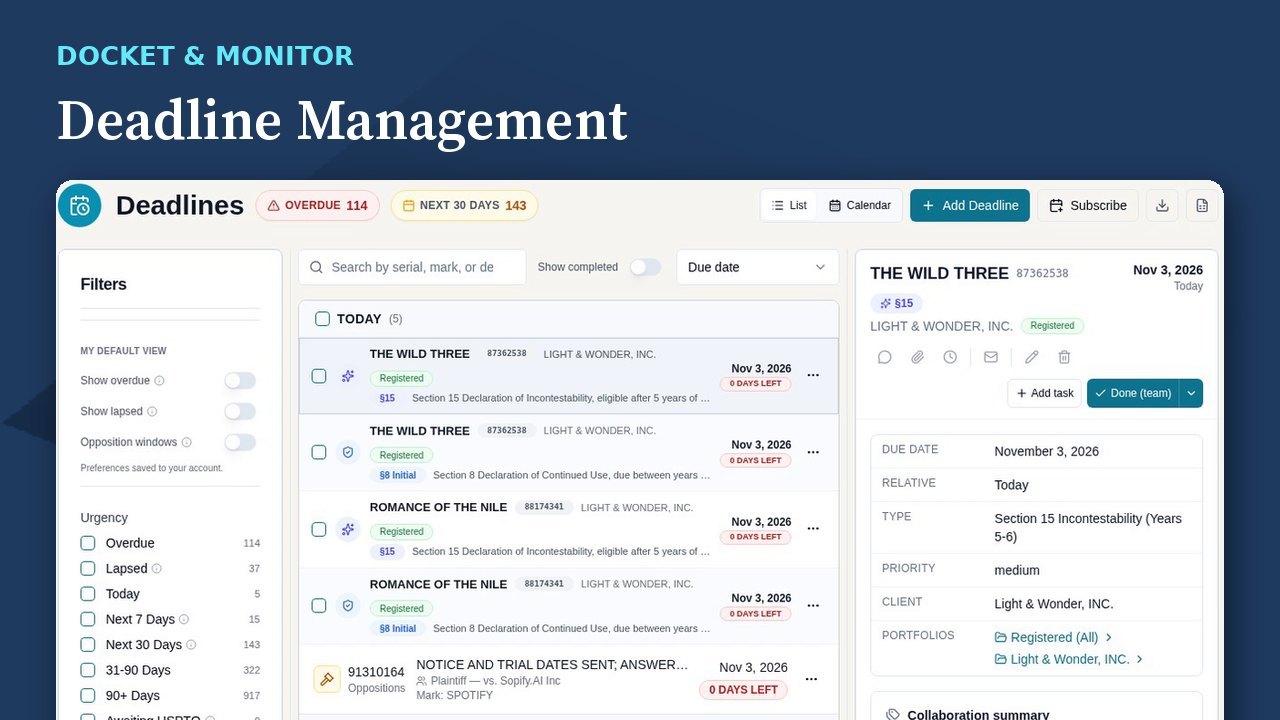
Deadline Management
 2:03
Feature highlight
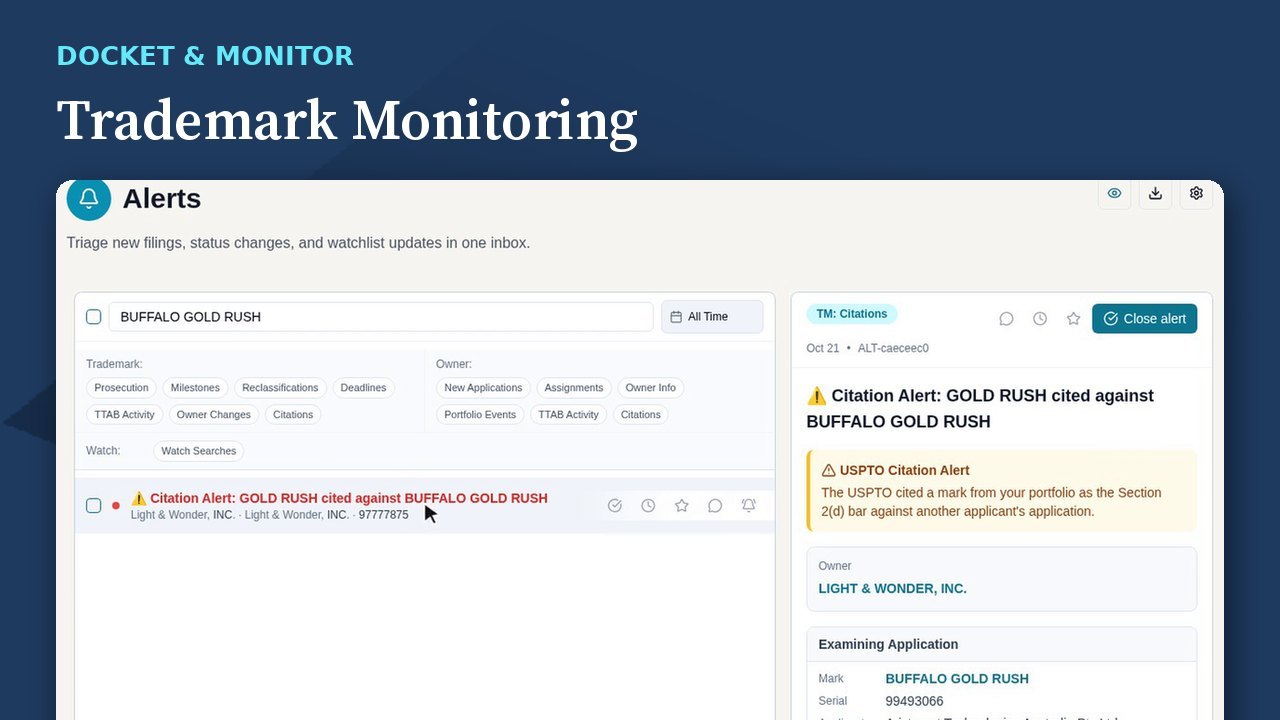
Trademark Monitoring
 1:46
Feature highlight
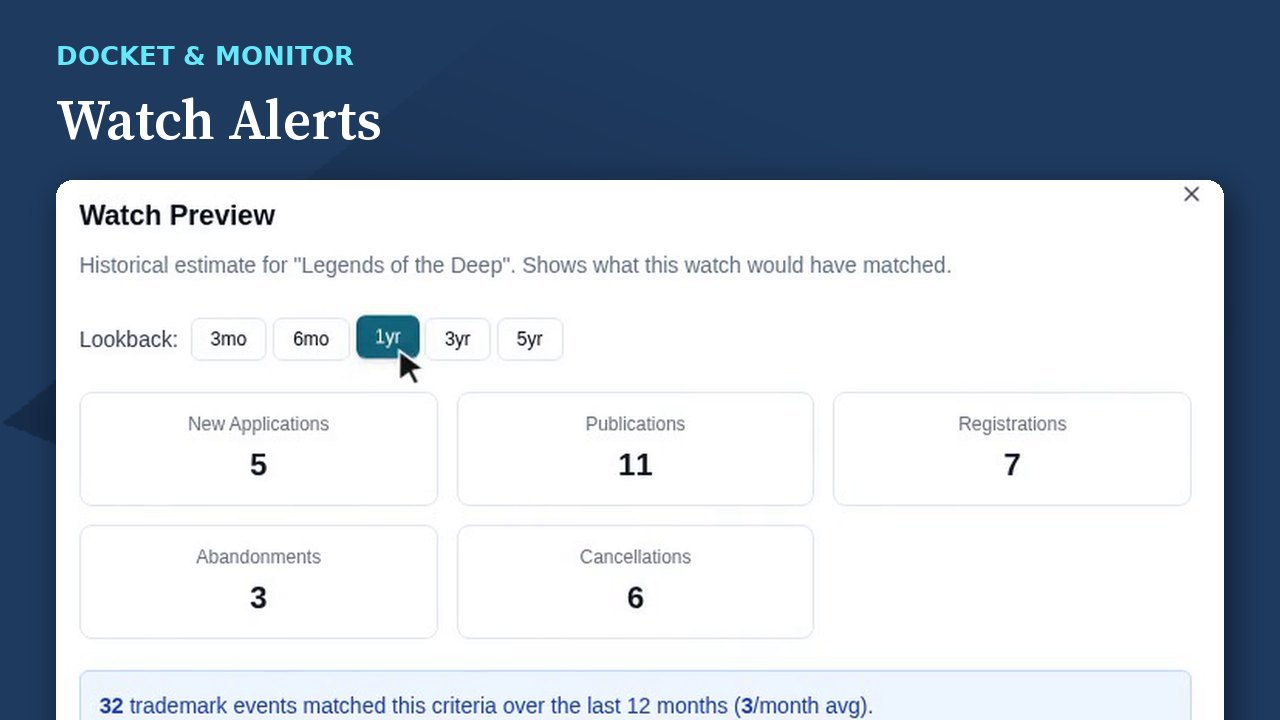
Watch Alerts
 1:45
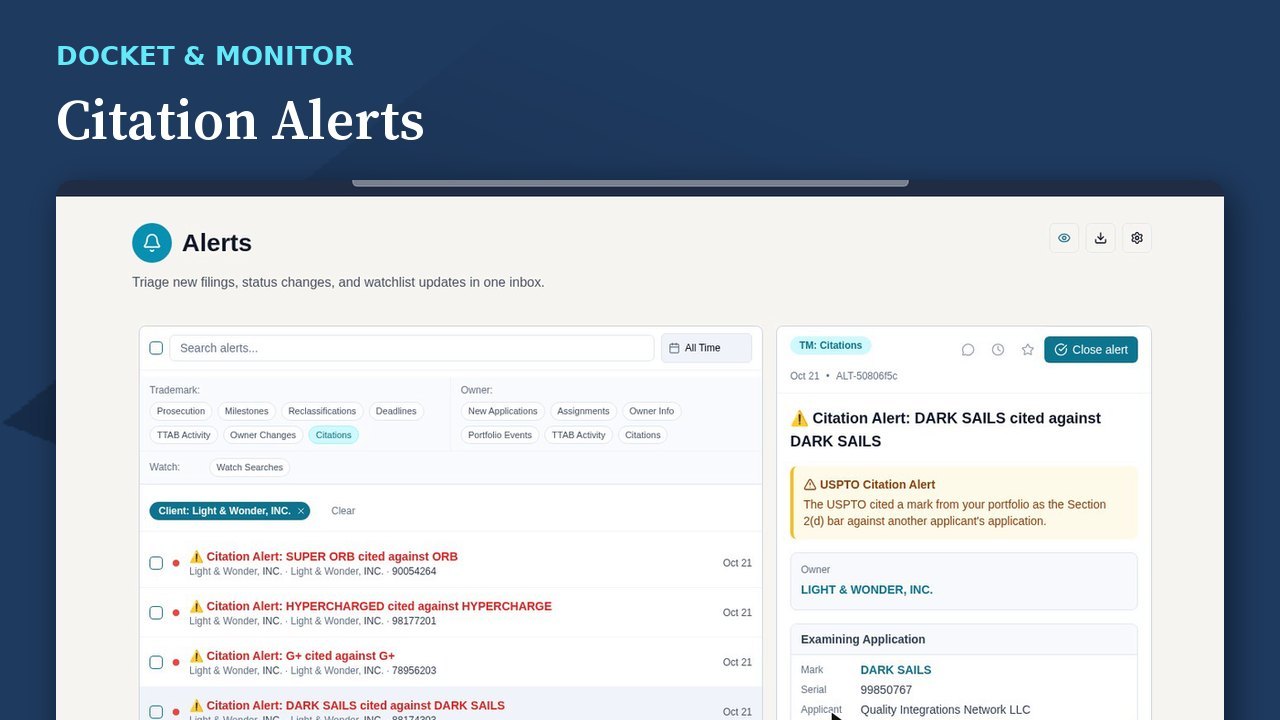
Feature highlight
Citation Alerts
 1:55
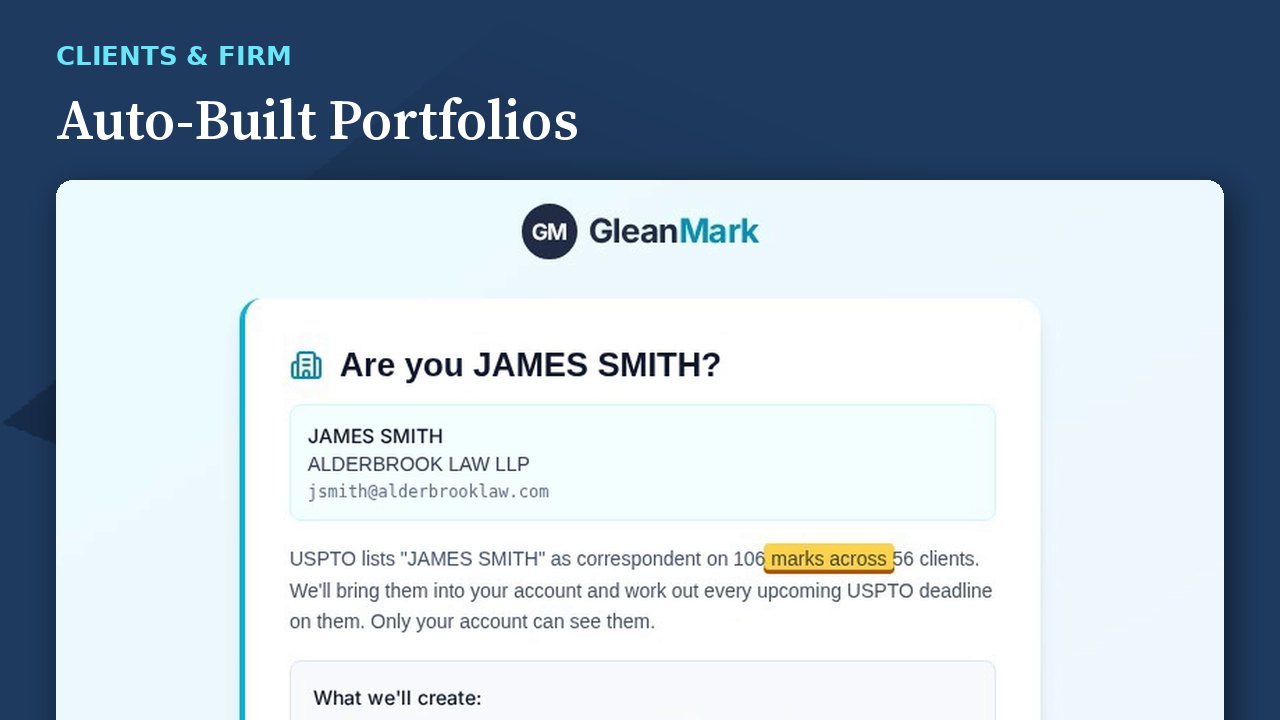
Feature highlight
Auto-Built Portfolios
 2:41
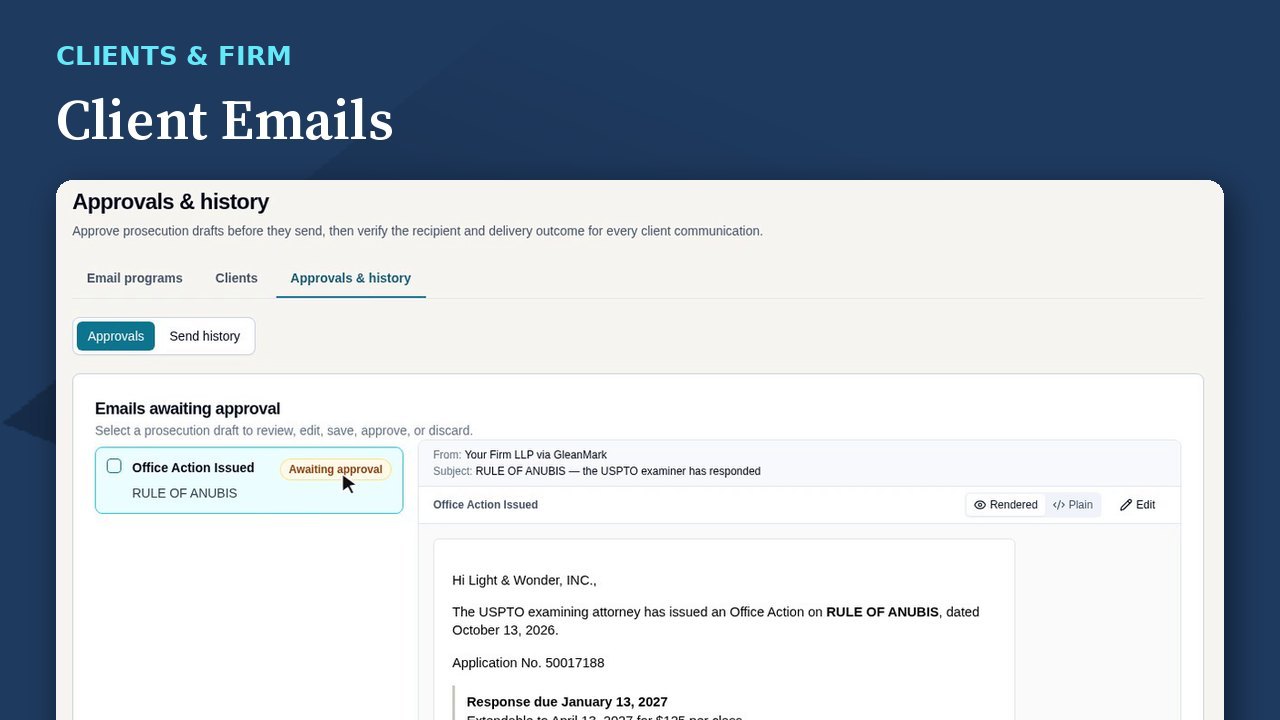
Feature highlight
Client Emails
 1:25
Feature highlight
Firm Branding
 1:00
Feature highlight
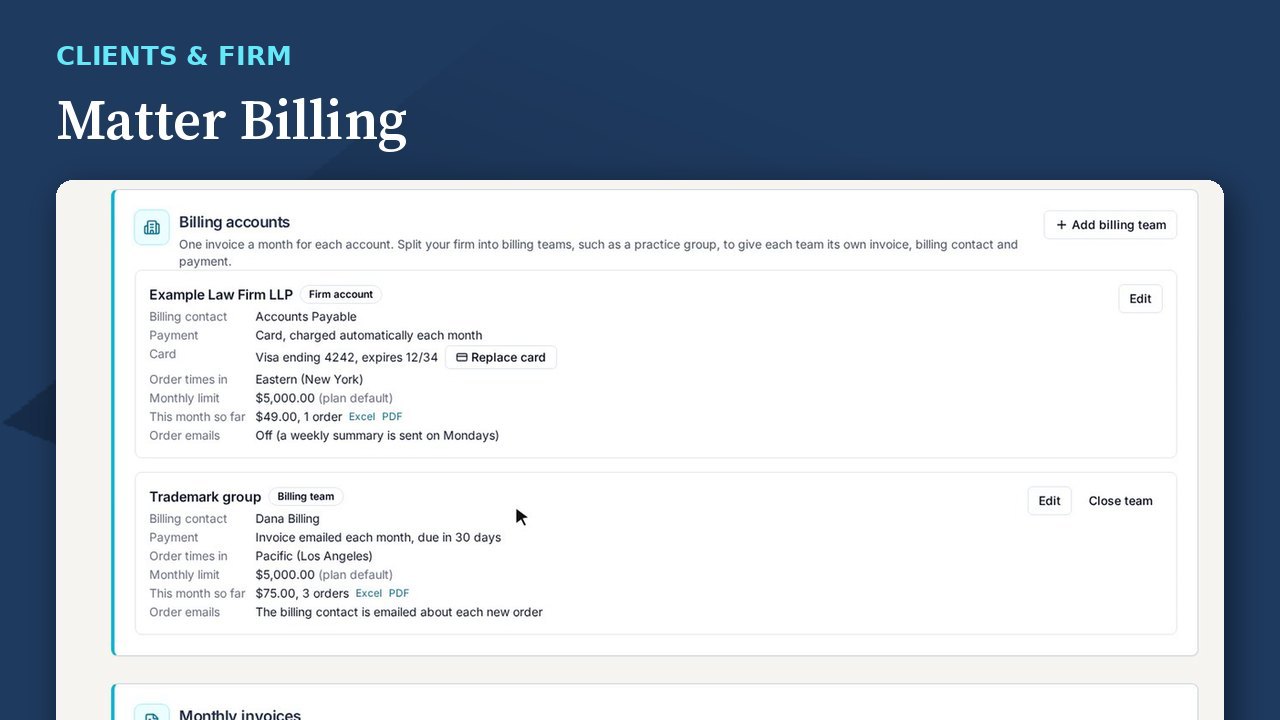
Matter Billing
 2:12
Feature highlight
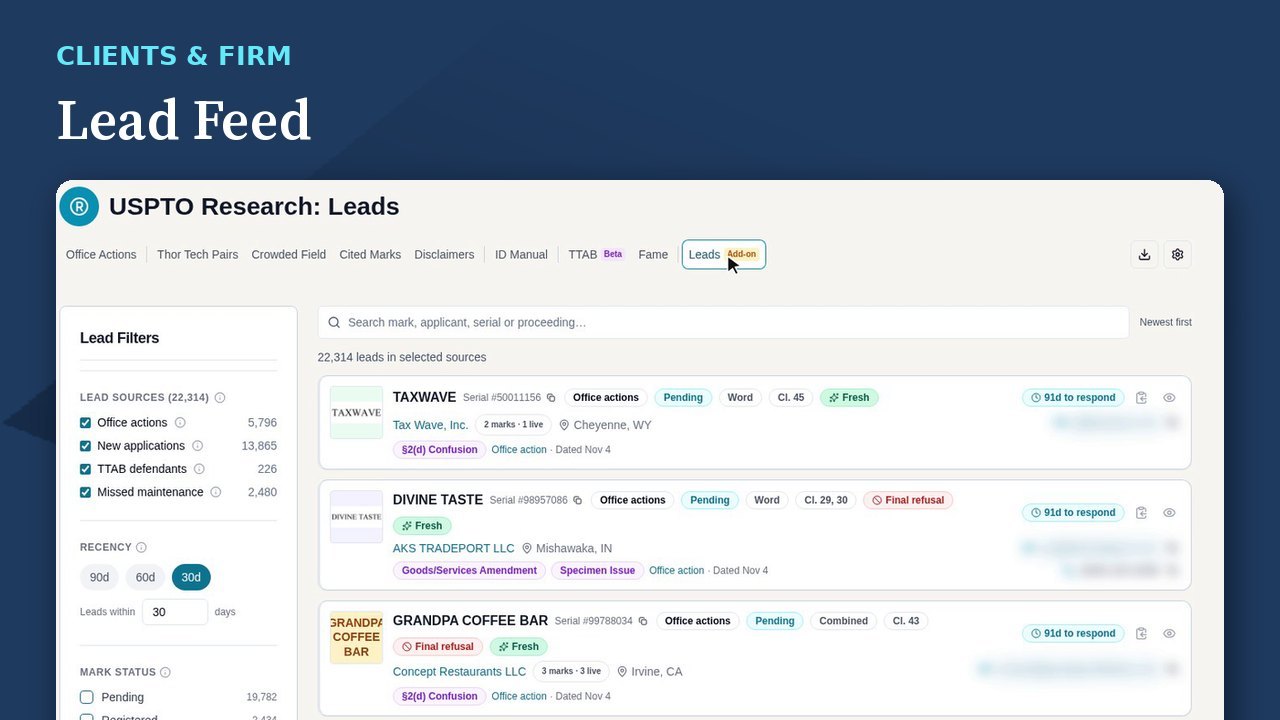
Lead Feed
 1:57
Feature highlight
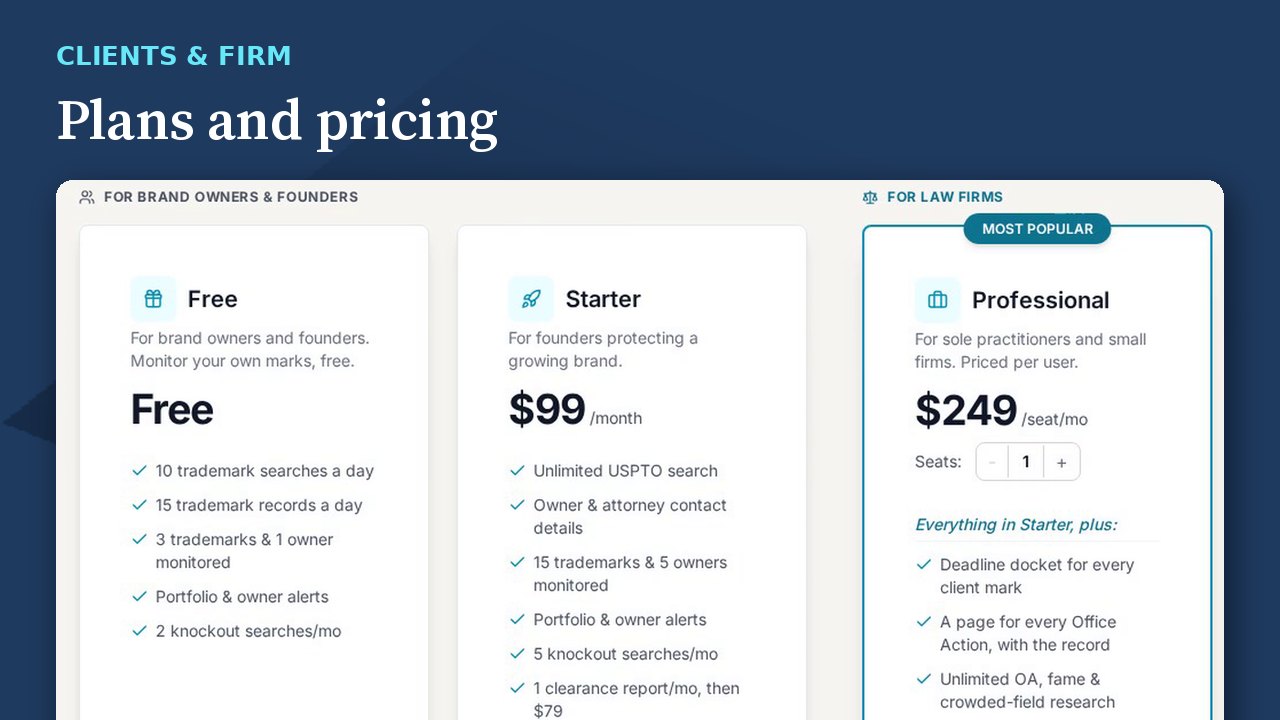
Plans and pricing
 2:54
Feature highlight
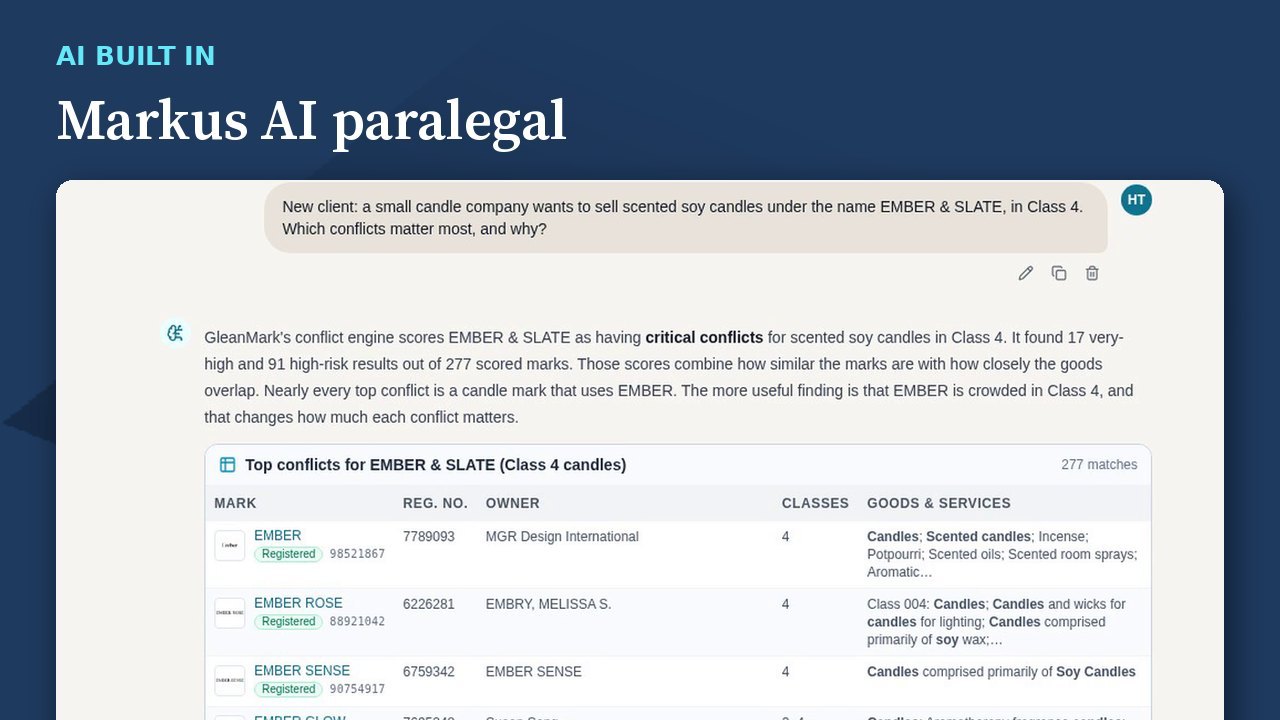
Markus AI paralegal
 1:37
Feature highlight